By Unlimited AI · Updated September 26, 2026
VS Code can connect chat to compatible model services through its language model settings. A correct configuration matches the endpoint’s protocol and capabilities, not simply its model name.
Add a custom endpoint to VS Code chat
In the current VS Code language model documentation, run Chat: Manage Language Models, choose Add Models → Custom Endpoint, and supply the group, display name, and API key. Select the API type supported by your service: Chat Completions, Responses, or Messages. Complete the model details in chatLanguageModels.json, save, then select the model in chat.
The documented custom-endpoint route replaces the older OpenAI Compatible provider. Agent use requires tool-calling support. BYOK chat can work without a GitHub account or Copilot plan, while features including semantic search, inline suggestions, and embedding-based functionality still have separate account requirements. Organization policy can restrict BYOK.
Collect the connection details first
- Endpoint: the URL and path required by the selected protocol.
- Credential: a key issued for that service.
- Model ID: the exact identifier your account can access.
- Capabilities: supported tools, input types, and context limits.
Use the values supplied by the provider. Do not copy a different service’s model limits or set capability flags merely to make a model appear in the interface. Configuration should describe real server behavior.
Store credentials using the client’s supported secure input mechanism and keep them out of committed project files. Check the destination domain before saving a key.
Validate chat and agent work separately
Begin with a short explanation request using non-sensitive sample code. Then test a small edit in a disposable project or reviewable branch. If you need an agent workflow, confirm that tool requests, tool results, and the final answer all complete correctly.
For each stage, note the model selected, result quality, and usage reported by the provider. Stop and diagnose the first failing stage. A plain-text response proves less than a complete edit-and-test cycle.
Choose an API allowance for real work
Compare a few typical tasks instead of assuming every message consumes the same amount. Large context, repeated attempts, and lengthy output can change the usage of a session. Separate quick explanations from larger repository tasks when estimating your needs.
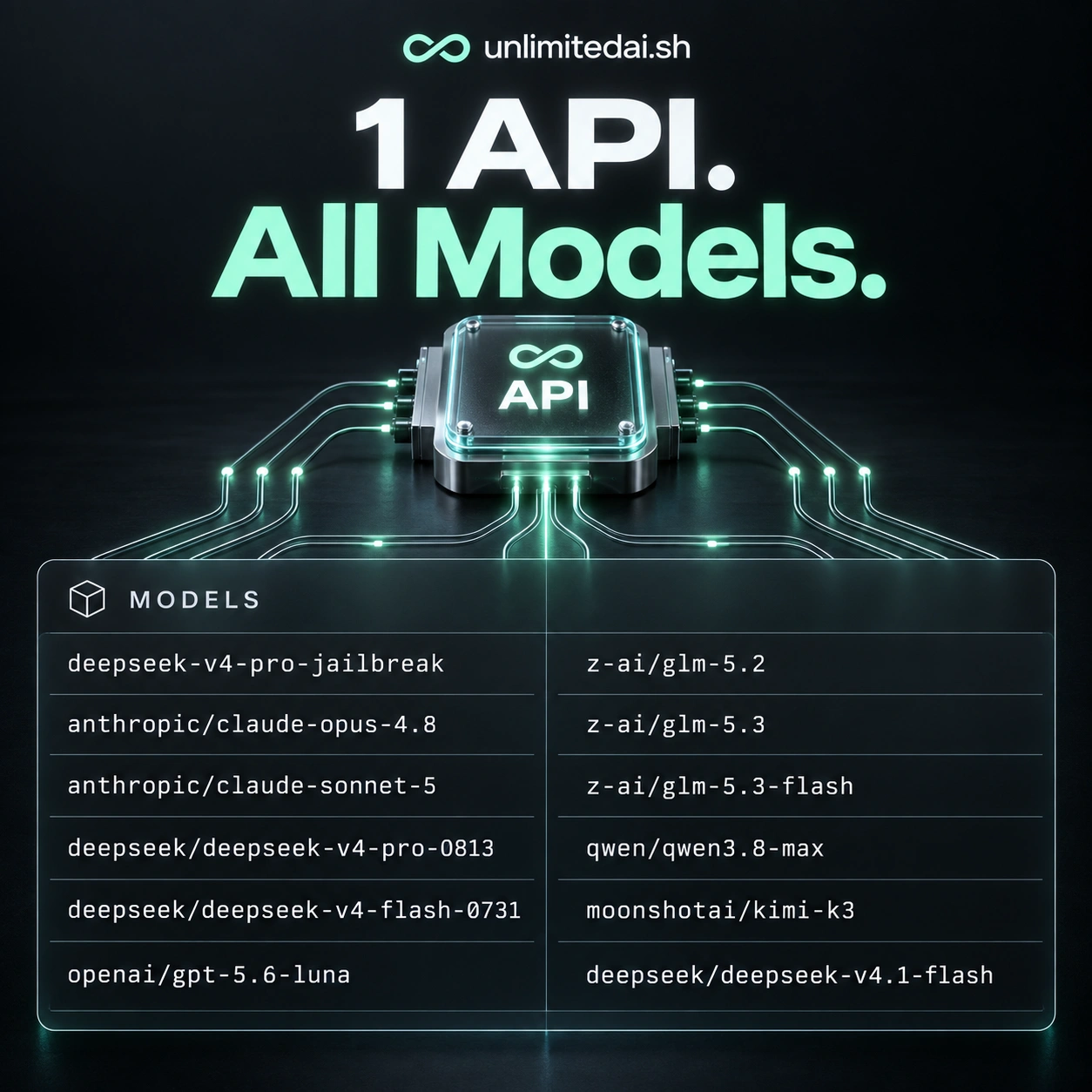
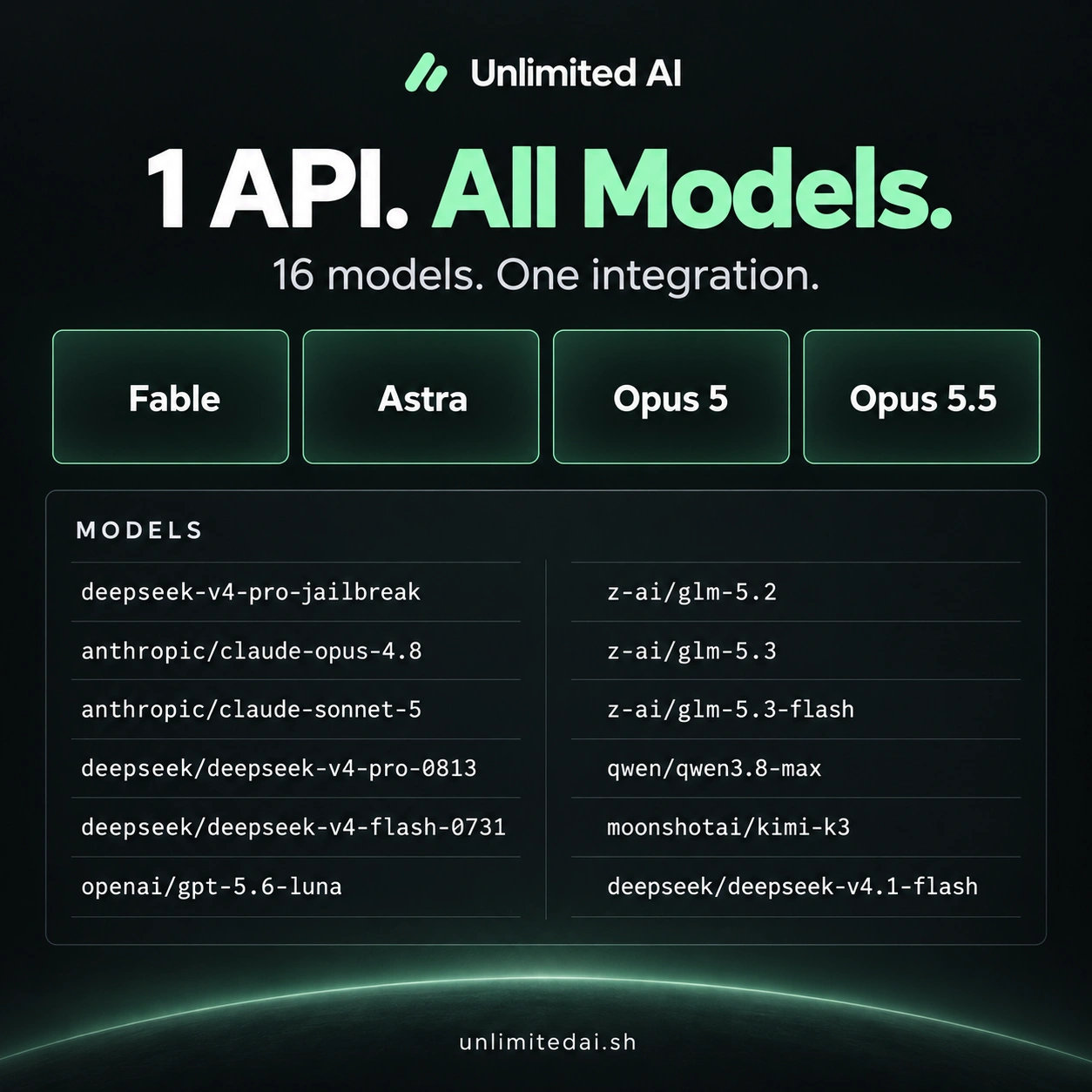
Unlimited AI offers model and plan information in the model catalog and token guide. Confirm the current endpoint and VS Code compatibility with support before buying; this article has not tested that integration end to end.
Frequently asked questions
Which API type should I select?
Use the format your endpoint and model support. The types are not interchangeable simply because they return text.
Does successful chat prove agent compatibility?
No. Test the tool calls and result handling required by your actual workflow.
Should I use the store URL as the endpoint?
Only if the provider explicitly documents it as the API endpoint. Use the connection details supplied with access.
More coding guides
Choose API access for your workflow
Compare token packages, explore the model catalog, and confirm your tool's compatibility before purchasing.
View Unlimited AI plansAsk about compatibility