By Unlimited AI · Updated September 26, 2026
Looking for unlimited Codex usage? Start by matching your coding workflow to a supported access method. An API plan can provide a separate route for compatible local workflows, but its allowance and features must be checked on their own terms.
What does “unlimited Codex” mean?
The phrase can describe several different goals: spending more time coding, using an API account for inference, or avoiding a small allowance that interrupts a project. Those goals require different decisions. Buying access from another provider does not upgrade a ChatGPT account or change its subscription limits.
Separate the coding client, the model endpoint, and the purchased plan. A working connection needs all three to agree: the client must support the provider, the endpoint must implement the required protocol, and your key must have permission to use the chosen model.
Check Responses API compatibility first
OpenAI's configuration reference documents custom providers through model_provider and model_providers. Provider settings include base_url, env_key, and the model selection. The supported wire_api value is responses. An endpoint that implements only Chat Completions is therefore not sufficient evidence of Codex compatibility. See the official Codex configuration reference.
- Confirm that the API provider explicitly supports your Codex client and version.
- Obtain the provider's exact base URL, authentication instructions, and supported model identifier.
- Use a distinct custom provider entry and select the matching model in the supported configuration.
- Start with a short request in a small project. Check the response before testing file edits and tool use.
Do not infer an API URL from a storefront address. Use the connection details supplied for your actual plan.
Make longer coding sessions more predictable
Before a large refactor, define the expected result and the tests that should pass. Ask for a plan covering the files that matter, then work through changes in manageable steps. This makes a failed run easier to understand and reduces repeated explanations of the same problem.
Track complete task usage rather than counting only your messages. Repository context, generated code, tool results, and repeated attempts can make two requests very different in size. Keep a successful small task as a comparison case when changing models or configuration.
Compare access before buying
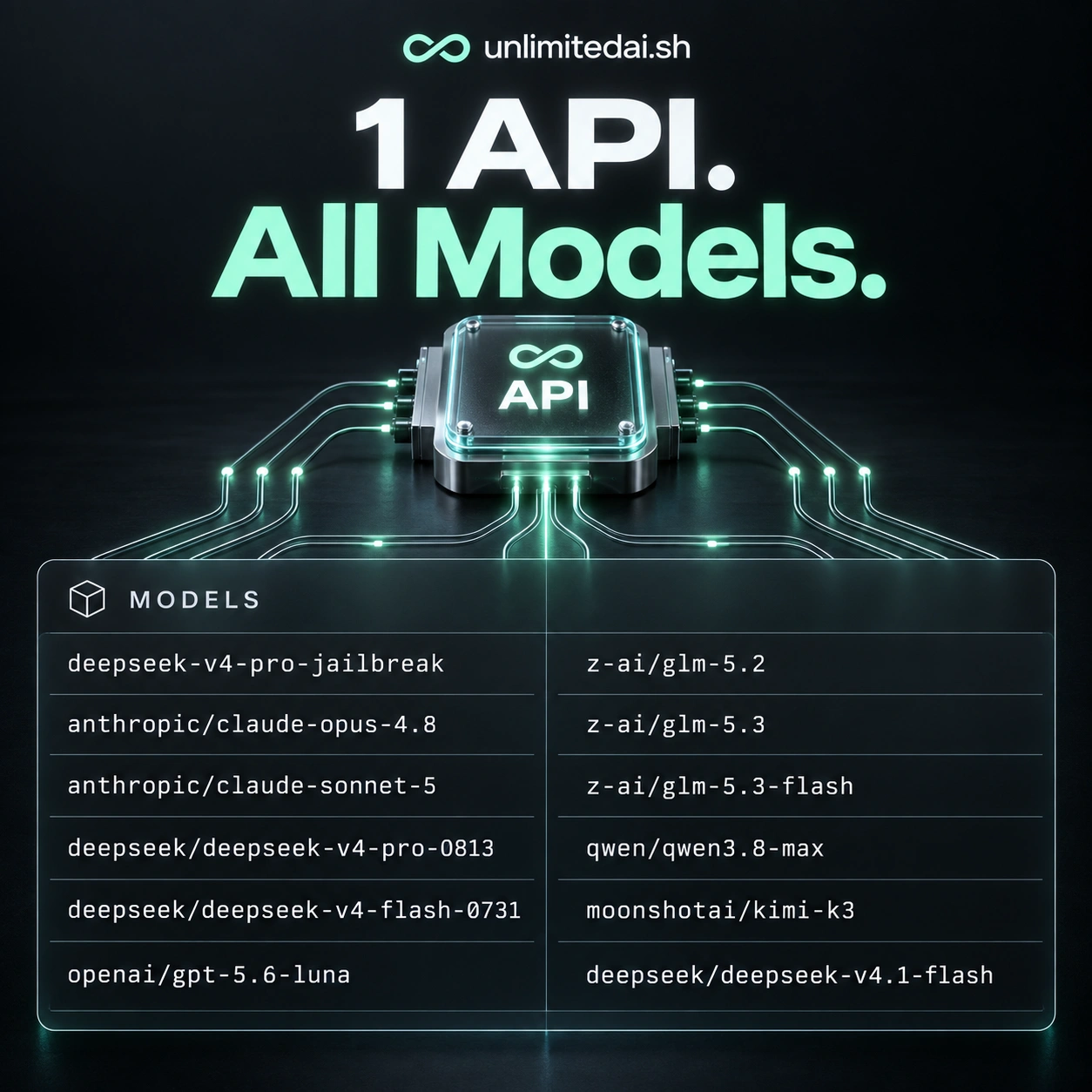
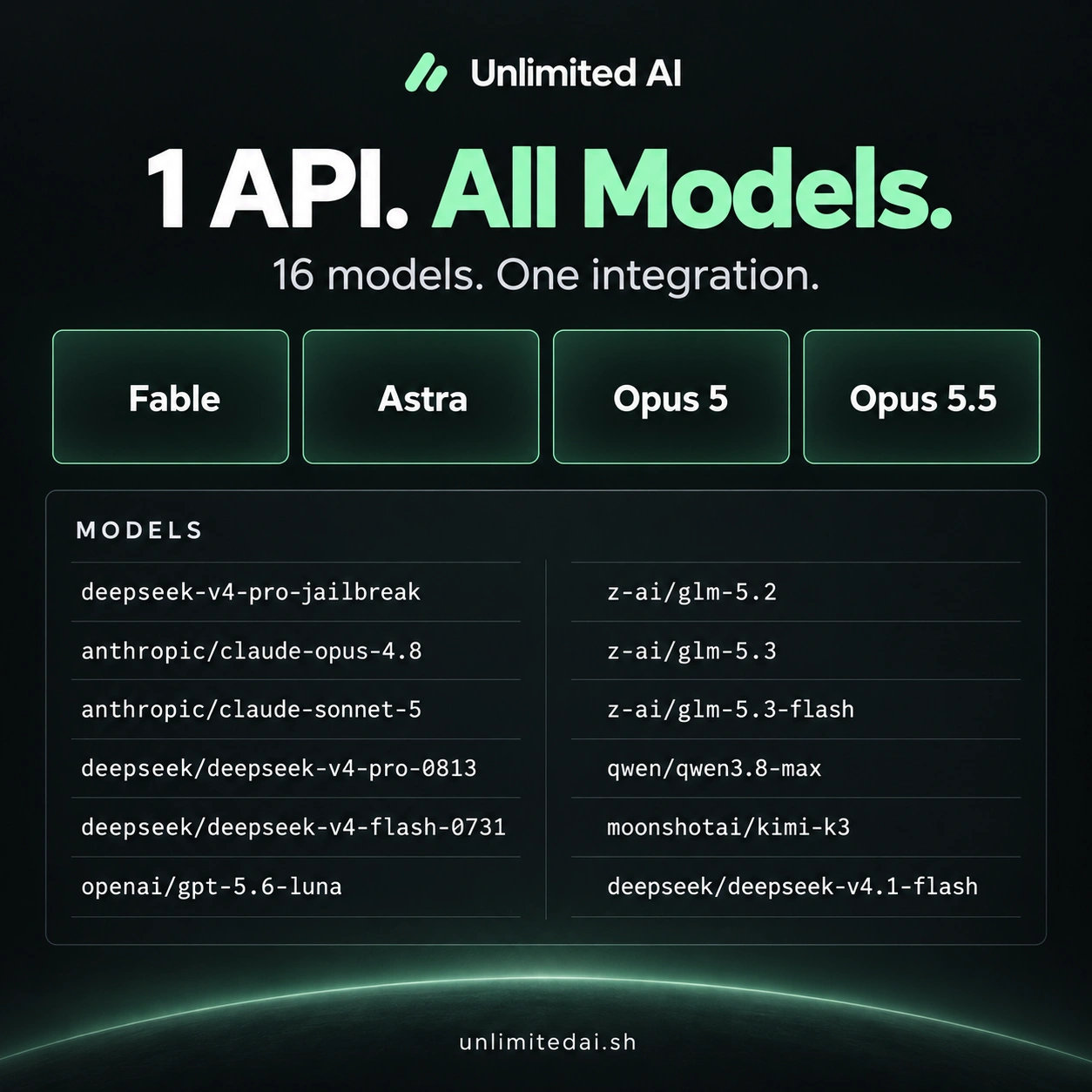
Unlimited AI offers token packages and time-based plans. Confirm Codex compatibility with support before purchasing specifically for this workflow; this article does not certify a tested Unlimited AI–Codex integration. Check duration, model coverage, request limits, and how usage is counted.
Choose around a realistic project: a focused debugging session, a week of feature work, or a recurring application workload. The largest allowance is only useful if the required model and protocol are supported.
Frequently asked questions
Will a third-party API plan remove ChatGPT limits?
No. It is separate access with its own terms and does not modify a ChatGPT subscription.
Is any OpenAI-compatible API enough?
No. Confirm Responses API compatibility and support for the Codex workflow you intend to run.
Where do I get the correct endpoint?
Use your API provider’s delivery instructions or support. Do not substitute the storefront URL.
More coding guides
Choose API access for your workflow
Compare token packages, explore the model catalog, and confirm your tool's compatibility before purchasing.
View Unlimited AI plansAsk about compatibility