By Unlimited AI · Updated September 26, 2026
Cline can connect to compatible model providers through its settings. A reliable setup starts with the correct endpoint, credential, and model, followed by a small task that exercises the workflow you actually need.
Connect Cline to an OpenAI-compatible provider
Cline's official provider guide identifies three core values: Base URL, API Key, and Model ID. In the settings panel, choose the OpenAI Compatible provider and enter the values supplied by your provider. Model configuration also includes fields such as context size and maximum output. Use documented values rather than guessing. See Cline's OpenAI-compatible setup guide.
The provider key must belong to the endpoint you enter. A key for one service is not interchangeable with a key for another merely because both use a similar request format.
Build a useful first test
- Open a small project with a clear purpose and a known way to run its checks.
- Ask Cline to explain one function and identify the file it used.
- Request a narrow change with a specific expected outcome.
- Review the proposed changes and the checks that validate them.
- Inspect the provider's usage after the task so you can estimate future work.
A good first task is small enough that you can judge the answer yourself. For example, add an input validation case to a function and confirm that the behavior is covered. Avoid beginning with a broad rewrite that makes connection, model-quality, and project issues hard to separate.
What an unlimited Cline workflow should specify
The coding client and the model allowance are different parts of the service. If you compare unlimited API plans for Cline, check the duration, model coverage, concurrency conditions, and any request or fair-use limits. Do not treat a large token number as a guarantee of unlimited agent runs.
Repeated context and tool results can change the size of a coding task. Measure a complete task in a representative repository. If you regularly work on large files, include those in your sample rather than testing only a short chat prompt.
Troubleshoot by the failed stage
Authentication fails
Check the provider and credential pairing, whether access is active, and whether the key was copied completely. Never share the secret key in a support screenshot.
The model is unavailable
Check the exact model ID and plan coverage. A model's display name may differ from the identifier accepted by the endpoint.
The response stops
Compare the error with the request size and output settings. Reduce the task to a small example before changing multiple settings at once.
The code is incorrect
Provide a reproducible failure and explicit expected behavior. A successful API connection establishes transport, not the correctness of generated code.
Choose an Unlimited AI plan for your project
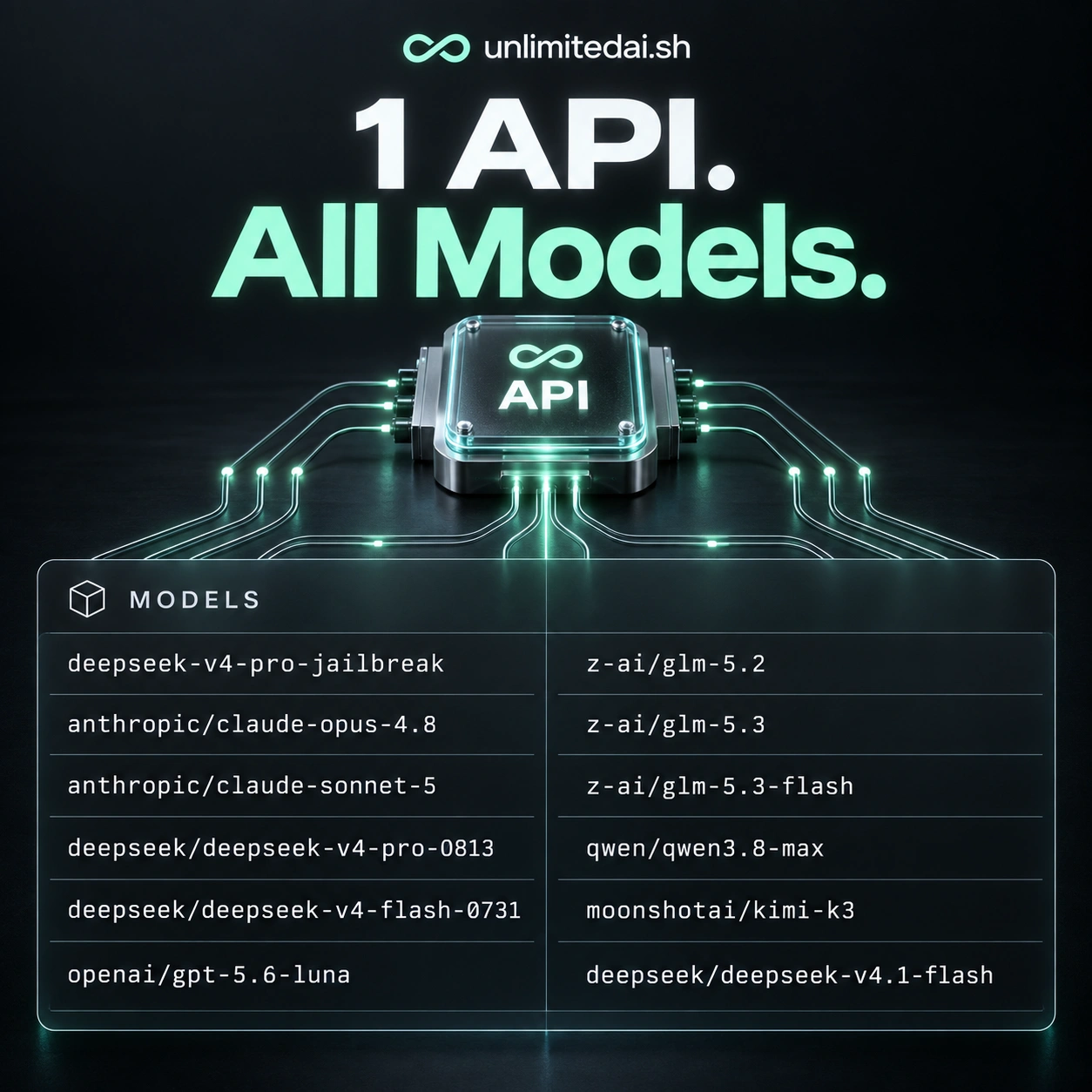
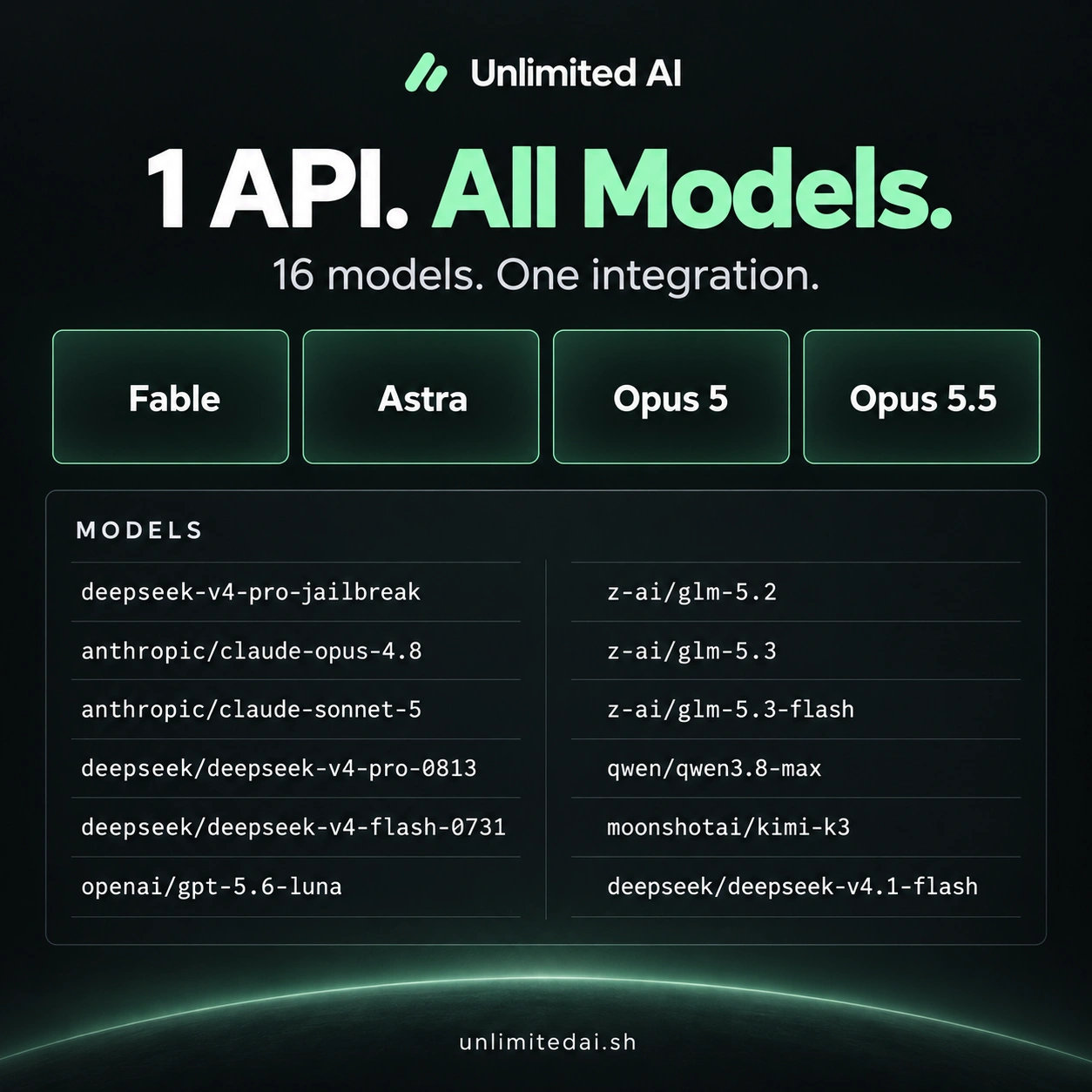
Review the model catalog and token comparison, then confirm Cline compatibility with support for the endpoint and model you want. This guide describes Cline's documented provider route; it does not certify an end-to-end Unlimited AI test.
Frequently asked questions
Where do I enter my own API key?
Use the provider configuration in Cline settings and follow the official guide linked above.
Does an API plan include every Cline feature?
Do not assume that. Tool features and provider or model capabilities need to be checked separately.
How should I estimate usage?
Measure a complete representative coding task, including repeated attempts, before selecting a larger package.
More coding guides
Choose API access for your workflow
Compare token packages, explore the model catalog, and confirm your tool's compatibility before purchasing.
View Unlimited AI plansAsk about compatibility