By Unlimited AI · Updated September 26, 2026
Choose your coding tool, understand its API requirements, and plan an allowance around real work. These guides explain the setup questions to answer before buying model access.
Explore eleven coding and API guides
Unlimited Codex Guide
Understand Codex custom providers, Responses API compatibility, and how to plan longer coding sessions.
Unlimited Claude Code Guide
Learn what Claude Code gateway access requires, how to check compatibility, and what unlimited plans should specify.
Unlimited OpenCode Guide
Set up a custom OpenCode provider, choose a model, and evaluate an API plan for sustained coding work.
Cline API Setup Guide
Connect Cline to a compatible API and test a real coding task before choosing a larger allowance.
Roo Code API Guide
Check custom-provider settings and native tool support before planning a Roo Code coding workflow.
Continue API Setup Guide
Configure a compatible API in Continue and evaluate chat, editing, and agent tasks separately.
Unlimited Aider Guide
Connect Aider to a compatible API, choose the right model, and estimate usage from real repository changes.
Unlimited Cursor Guide
Understand Cursor BYOK, which features use your key, and what to check before buying a separate AI API plan.
Unlimited Windsurf Guide
Check current Windsurf and Devin Desktop model access, understand usage limits, and evaluate custom API requirements.
VS Code AI API Guide
Add a compatible model to VS Code chat, select the correct API format, and test agent capabilities before scaling usage.
AI API Troubleshooting
Diagnose AI API connection errors step by step, from invalid keys and model IDs to rate limits and incomplete agent responses.
Start with compatibility, then compare plans
A coding tool, a model, and an API subscription are separate choices. A familiar model name does not prove that a particular endpoint supports the workflow your tool expects. First identify the installed client version and required API format, then verify model access and usage terms.
Codex, Claude Code, and configurable provider clients do not share one universal connection method. The linked guides cite each tool's official documentation and explain which details to confirm. They are setup guides, not certifications that every Unlimited AI plan works with every tool.
What to ask before buying “unlimited” coding access
- Which workflow is supported? Name the tool, version, and whether you need text responses, file editing, or multi-step agent tasks.
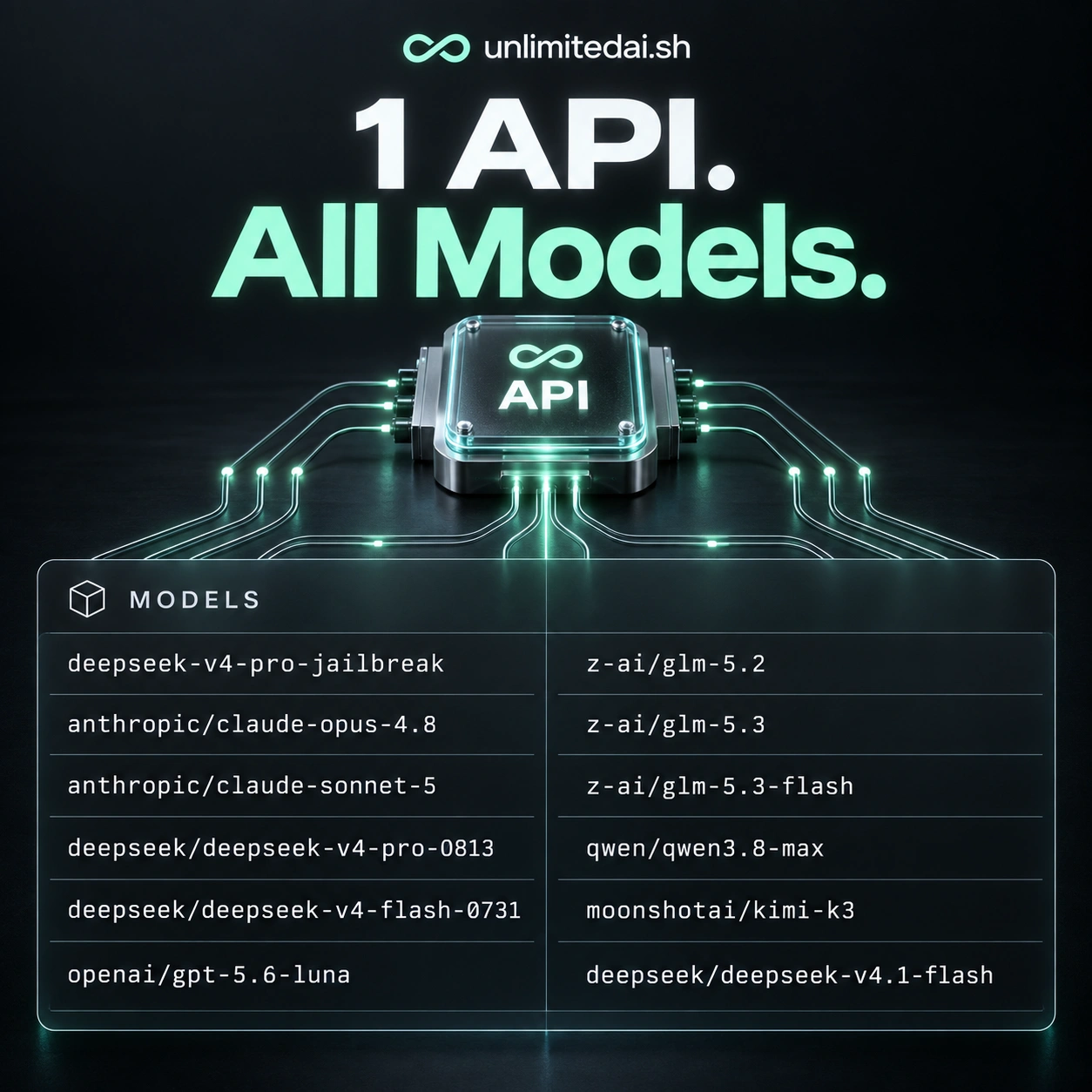
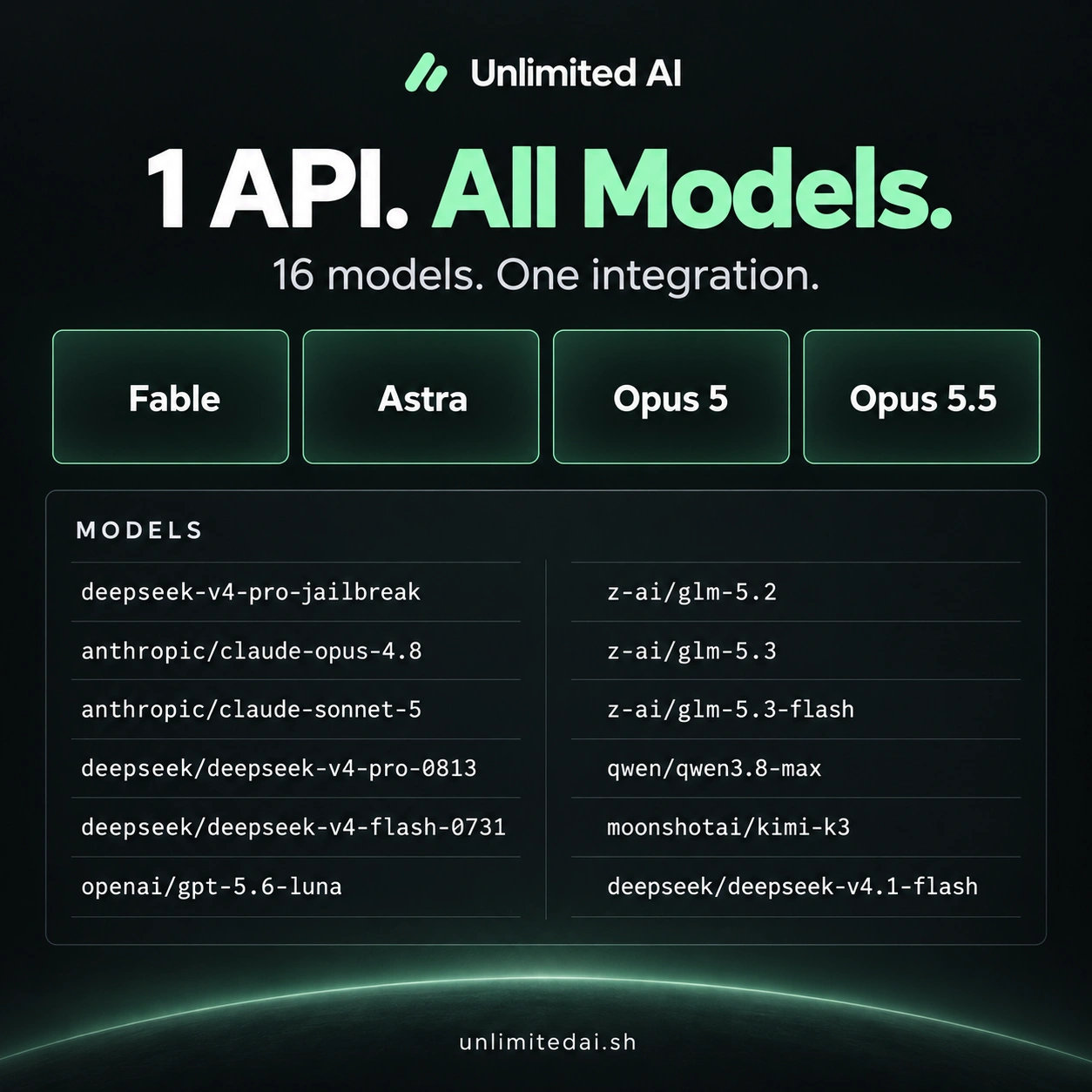
- Which models are included? Confirm the exact API identifiers and any add-ons.
- What does the allowance cover? Check validity, usage accounting, concurrency, and applicable request or fair-use limits.
- How will you test it? Use a small task you can evaluate and repeat, then measure the complete run.
An access period describes time. A token package describes a quantity under the plan's accounting rules. Neither description alone guarantees unlimited throughput, every model, or the removal of a separate provider subscription's limits.
A useful first coding task
Pick a small bug with a clear reproduction. Ask the tool to explain the relevant code, propose a narrow change, and run the appropriate checks with your review. Confirm the final behavior yourself. This tests the actual coding loop and gives you a useful basis for estimating future usage.
If a task fails, record whether the problem was authentication, model selection, response format, tool handling, or incorrect code. Fixing the right stage is faster than changing several settings at once.
More coding guides
Choose API access for your workflow
Compare token packages, explore the model catalog, and confirm your tool's compatibility before purchasing.
View Unlimited AI plansAsk about compatibility