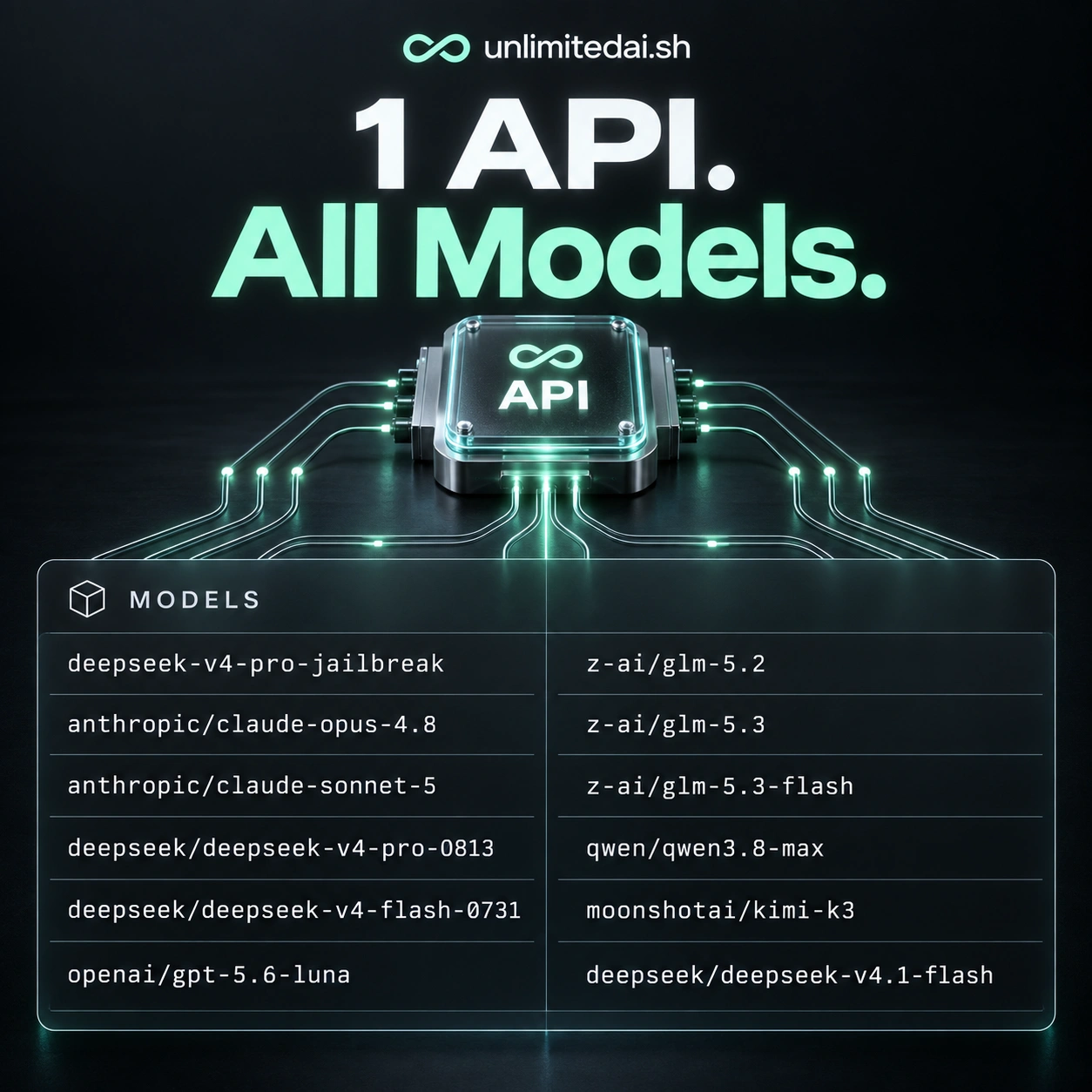
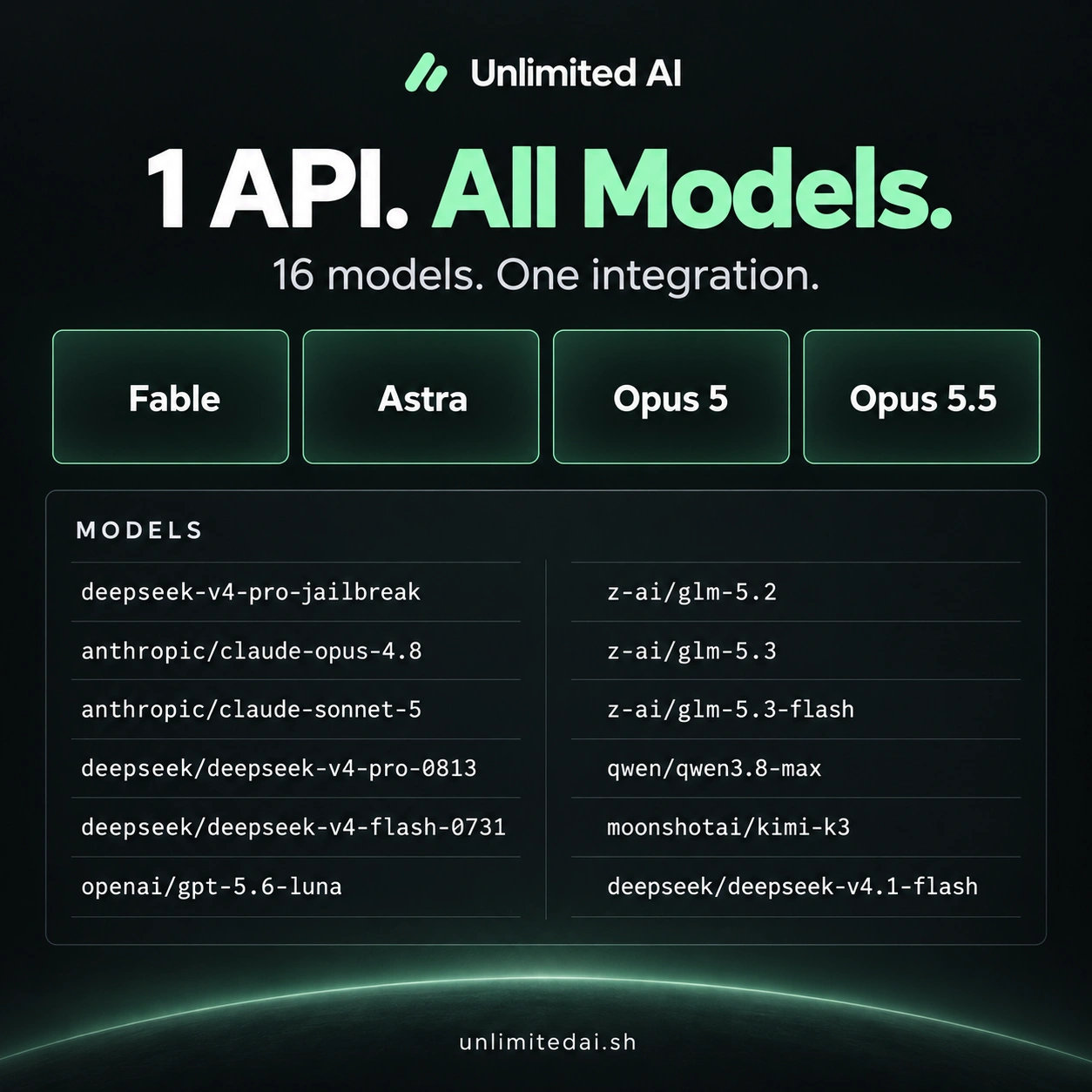
Explore Claude, GPT, DeepSeek, GLM, Qwen, and Kimi model options through Unlimited AI. Use one API integration and select from the models available with your plan.
Explore the storefront model lineup
The following names reflect the model lineup displayed in the Unlimited AI storefront. Access depends on the product you purchase and any applicable add-ons. Use the exact model identifier supplied in your access instructions when configuring a request.
Claude
anthropic/claude-opus-4.8anthropic/claude-sonnet-5anthropic/claude-fable-5.1anthropic/claude-opus-5
GPT
openai/gpt-5.6-lunaopenai/gpt-6-astraopenai/gpt-5.6-sol
DeepSeek
deepseek-v4-prodeepseek/deepseek-v4-pro-0813deepseek/deepseek-v4-flash-0731
GLM
z-ai/glm-5.2z-ai/glm-5.3z-ai/glm-5.3-flash
Qwen
qwen/qwen3.8-max
Kimi
moonshotai/kimi-k3
Model availability and identifiers can change. Check the current product listing and your account's access details before building around a particular model.
Choose a model by testing your actual task
The most useful model comparison starts with your workload. A model that produces a strong short answer may not be the best match for a long document, a specific writing style, or a coding task with strict requirements.
- Build a small test set. Include common requests, difficult cases, and examples where a wrong answer would matter.
- Keep the input consistent. Give each candidate the same instructions and relevant context so the comparison is meaningful.
- Define a useful result. Score correctness, completeness, tone, formatting, and how much human editing is required.
- Measure practical performance. Observe response time and usage under your plan alongside output quality.
- Recheck after changing models. Repeat your sample tests when you change a model identifier or application requirements.
For coding and structured work
Test whether the response follows your language, framework, and output format. Run generated code in an appropriate test environment and validate structured responses before using them downstream.
For writing and analysis
Check whether the model follows your brief, preserves key facts, and distinguishes provided information from assumptions. Compare how much editing each answer needs.
Check model coverage before choosing a plan
The storefront catalog shows the broader lineup; your purchased product determines the access you receive. A model appearing here does not mean it is included in every token package or time-based plan.
Before purchasing, confirm the included models, any premium add-on requirements, the access period or token allowance, and applicable usage conditions. If you need one specific model for a project, verify that requirement against the listing first.
Compare token packages for allowance-based planning, or browse current access plans for time-based options.
One integration, a repeatable evaluation process
Keep your application requirements clear even when switching models. Store prompts and test examples in a way you can reuse, validate the response format, and handle failed requests gracefully.
For a new integration, start with a small request and the configuration documented in your delivery instructions. Increase the workload only after you have confirmed the model identifier, response handling, and plan usage behavior.
Read the AI API access guideAI model questions
Does every plan include every listed model?
No universal coverage is implied by this catalog. Check the included models and add-ons on the exact product you intend to buy.
Which model is best?
The best choice depends on the task and your evaluation criteria. Compare candidates using representative requests rather than choosing by name alone.
Can model names differ between the storefront and API?
Use the exact API model identifier in your current access instructions. If a display name does not match the identifier you were given, contact support to confirm the correct value.
Where do I check premium model access?
Review the relevant product or add-on description. Confirm both the model and the compatible base plan before buying.
What if a model is unavailable?
Check your plan coverage and the store's status page. If the issue persists, contact support with the model name and a non-sensitive description of the problem.