By Unlimited AI · Updated September 26, 2026
Aider brings AI coding into a terminal workflow. If you are looking for unlimited Aider access, start with the service that supplies its model responses: the API plan determines the allowance and availability.
Connect an OpenAI-compatible endpoint
Aider documents two environment variables for this connection: OPENAI_API_BASE for the provider’s API base URL and OPENAI_API_KEY for its credential. Select the model using the openai/ prefix followed by the provider’s exact model identifier. On Windows, a shell must be reopened after values are saved with setx. Follow Aider’s official compatible-endpoint guide for the current commands.
Copy connection values from your provider’s delivery instructions. A storefront URL is not necessarily an API endpoint, and a model’s marketing name may differ from the identifier accepted by the server. Keep credentials out of source control and shared terminal transcripts.
Run a useful first repository test
- Choose a small repository or a separate working branch with a clean baseline.
- Pick one change you can verify, such as correcting an edge case in a utility function.
- Provide only the files and constraints needed for that change.
- Review the proposed diff and run the relevant checks.
- Record elapsed time, total usage, and whether the change passes your acceptance criteria.
A successful greeting tests connectivity. A completed, reviewed code change tests whether the model is useful for your actual work. Repeat the same bounded task when comparing two model configurations.
Plan for context and repeated edits
Long files, earlier conversation turns, repeated attempts, and generated code can all affect a coding session’s workload. Keep unrelated changes in separate sessions and describe acceptance criteria before requesting an edit. When the output is wrong, explain the failed condition instead of repeatedly asking the model to try again without new information.
Estimate a project budget using several representative tasks. Track cost or allowance consumed per accepted change, not just per message. This makes a comparison between a timed plan and a token package more useful.
What unlimited Aider access should include
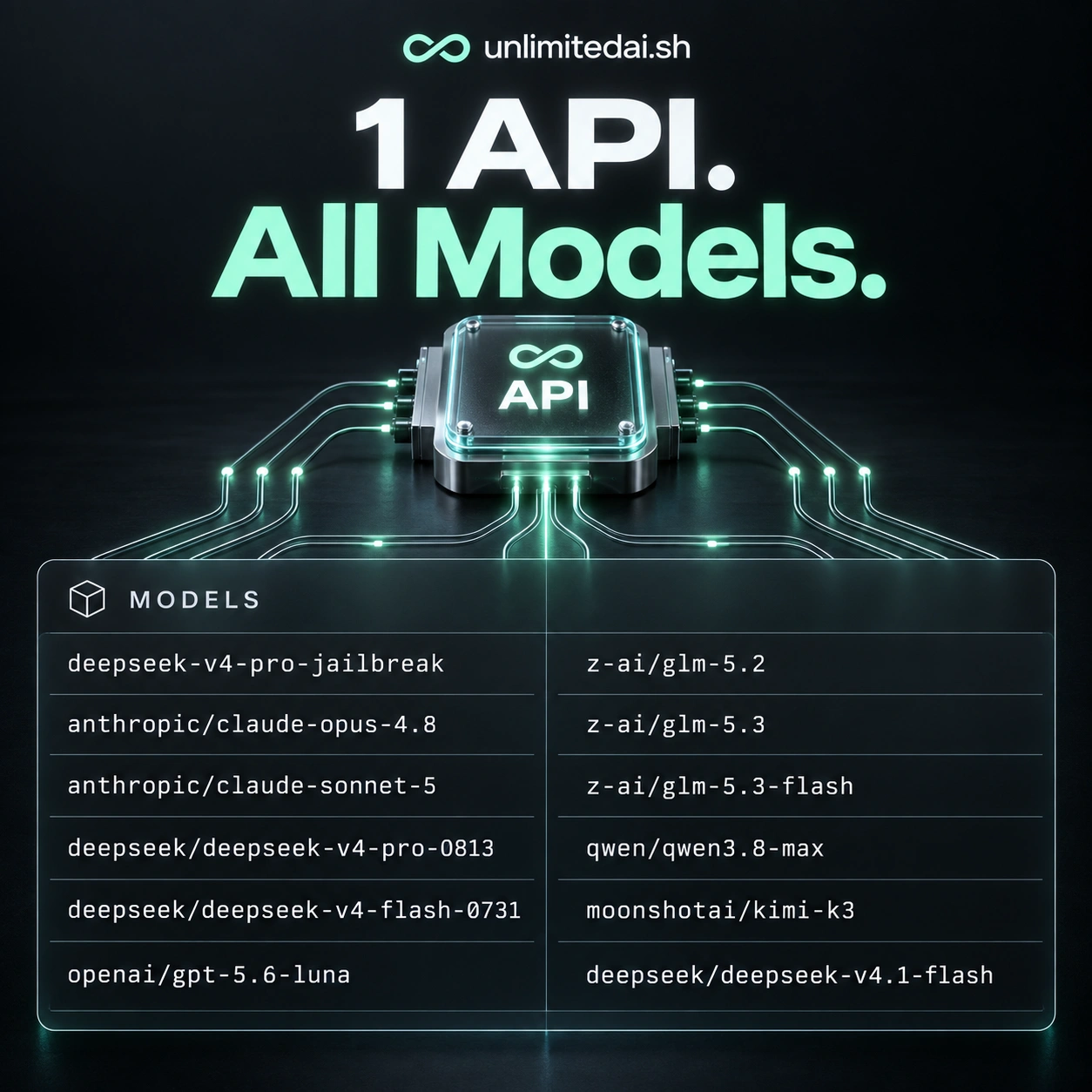
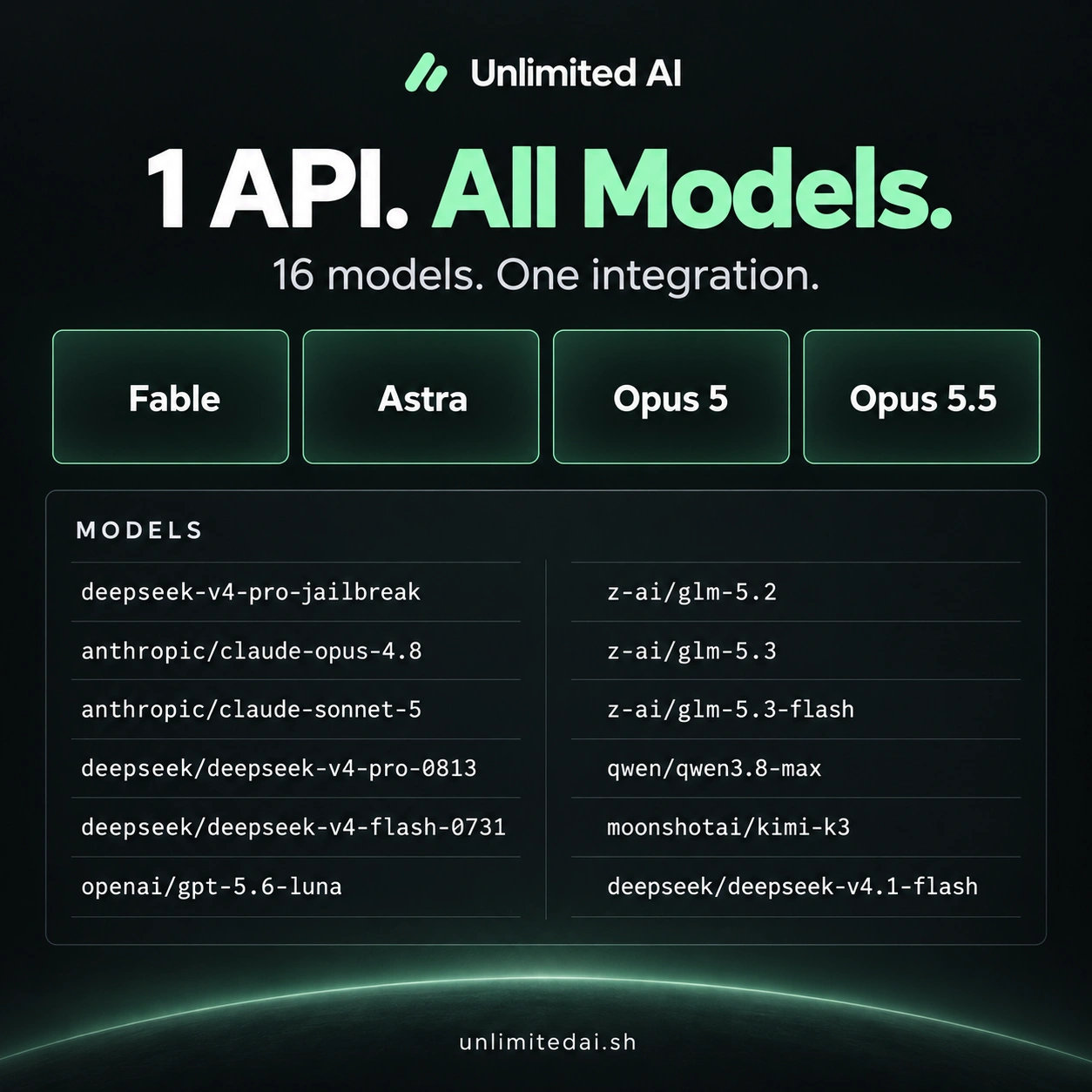
Check the plan’s validity period, included models, usage accounting, request limits, and concurrency rules. An unlimited label does not establish that every model or request pattern is included. Aider’s client configuration and the API provider’s plan are separate parts of the workflow.
For Unlimited AI, confirm the current endpoint, model ID, and Aider compatibility with support before purchasing. This guide explains the documented connection method; an end-to-end Unlimited AI integration has not been tested here.
Frequently asked questions
Is Aider itself an unlimited API plan?
No. The client and the model service are separate; the connected provider sets its usage terms.
Why does a model name fail?
Check the exact server-side identifier, required provider prefix, and whether your account has access to that model.
How should I compare coding models?
Use the same small change, review the resulting diff, run the same checks, and measure total usage per successful result.
More coding guides
Choose API access for your workflow
Compare token packages, explore the model catalog, and confirm your tool's compatibility before purchasing.
View Unlimited AI plansAsk about compatibility