By Unlimited AI · Updated September 26, 2026
If you want longer Claude Code sessions, compare the access method as carefully as the allowance. Claude Code gateway support depends on the API format, authentication, model routing, and the client surface you use.
Understand the access you are purchasing
“Unlimited Claude Code” should lead to a clear explanation of what is included: the supported models, the period of access, usage conditions, and compatible clients. A third-party API plan is separate from a Claude subscription and does not add benefits to your existing Claude account.
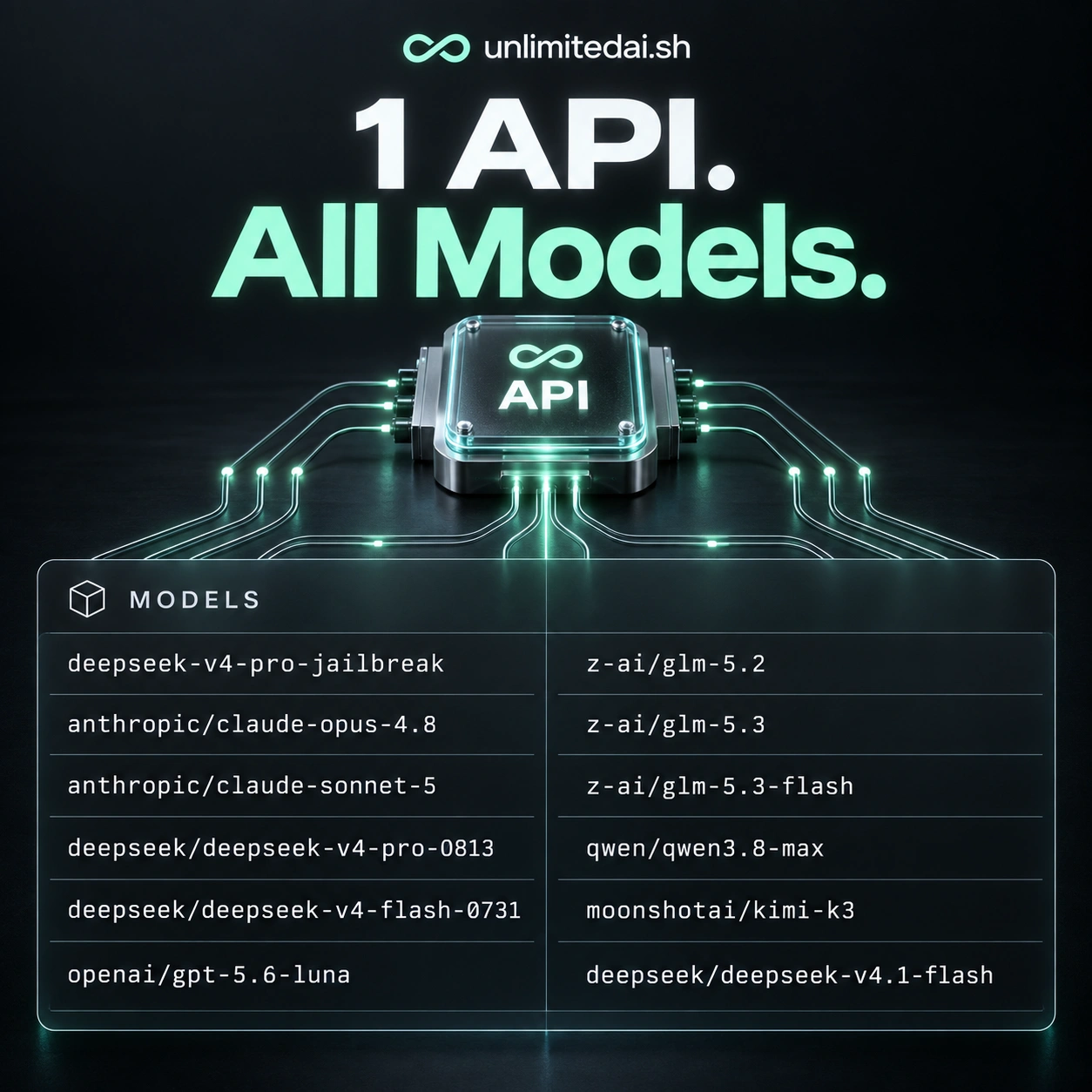
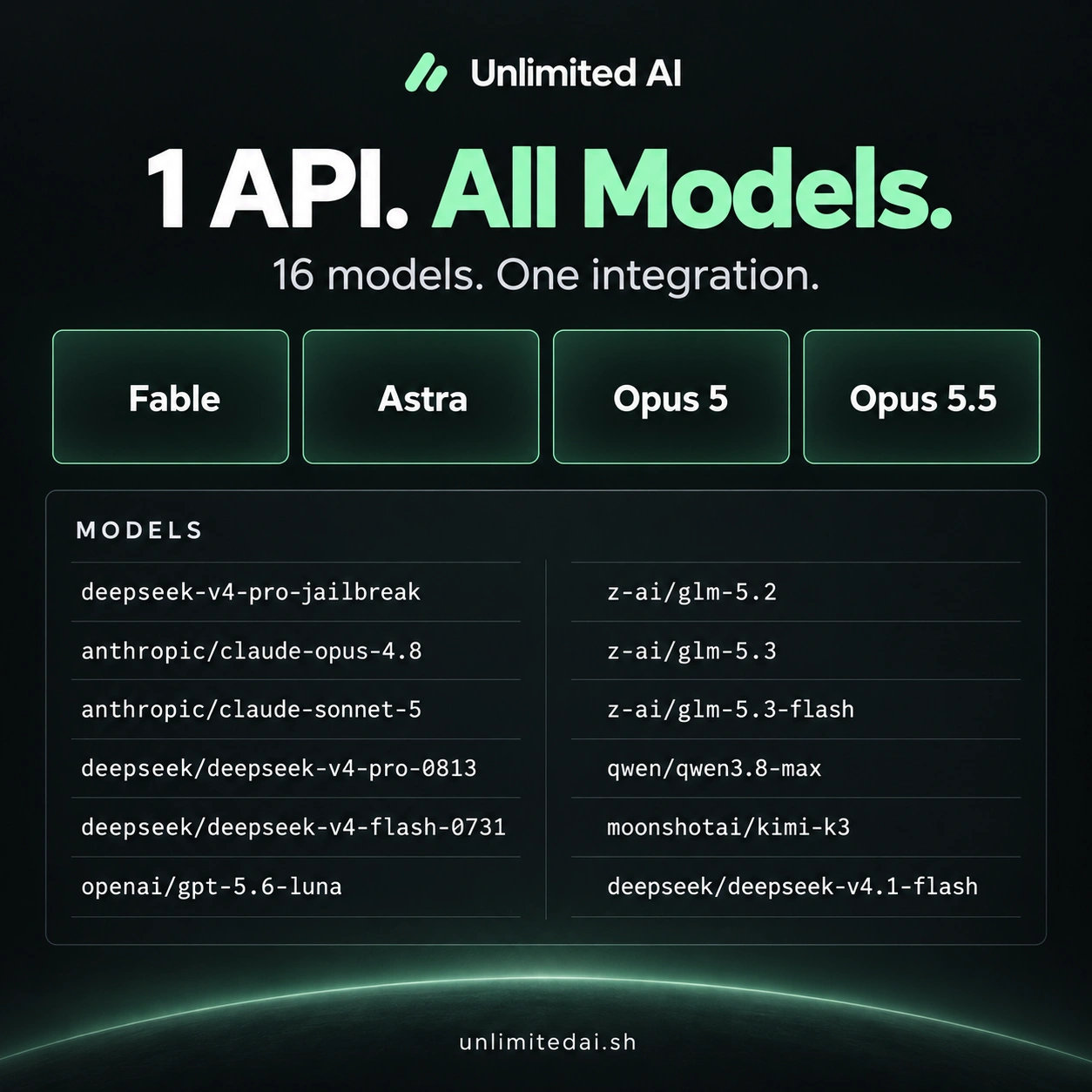
Distinguish access to a Claude model from a complete Claude Code connection. A model appearing in a catalog does not establish that a gateway supports the messages and tool behavior the coding client needs.
Claude Code uses a specific gateway protocol
For an Anthropic-format gateway, the official compatibility guide specifies the Messages format, including /v1/messages and the relevant Anthropic headers. A generic Chat Completions endpoint alone does not meet that interface. Read the Claude Code gateway compatibility guide.
The CLI gateway instructions use ANTHROPIC_BASE_URL with the gateway's credential configuration. Authentication can differ by gateway, so follow its instructions rather than mixing credentials from unrelated accounts. The desktop app has a different configuration route; CLI variables are not a universal setup method. See the official gateway connection guide.
A practical setup sequence
- Identify your client. State whether you are using the CLI, IDE extension, or desktop app when checking support.
- Confirm the gateway. Ask for the supported API format, model mapping, and authentication method.
- Apply the documented connection settings. Use the supplied endpoint and keep the credential out of repository files.
- Run a small task. Ask for an explanation of one file, then test a narrow edit and your normal checks.
- Review the result and usage. A text response alone is not enough to validate a multi-step coding workflow.
Plan a productive coding window
Prepare the repository before starting a timed session. Write down the bug, reproduce it, and collect the relevant error output. A precise task gives you more value from the session than repeatedly asking the assistant to discover what changed.
For a larger feature, agree on the acceptance criteria and finish one part at a time. Review diffs after each part. If the agent repeats unsuccessful attempts, stop to provide a narrower reproduction rather than allowing the same expensive loop to continue.
Check Unlimited AI plan coverage
Before buying an Unlimited AI plan for Claude Code, confirm the exact client and model with support. This guide explains the documented gateway approach; an end-to-end Unlimited AI connection has not been tested for this article. Review access duration, concurrency, model coverage, and any fair-use terms on the product listing.
Frequently asked questions
Does this include a Claude subscription?
Do not assume so. API access and Claude account subscriptions are separate products.
Can I use the same setup in every Claude Code app?
No. Follow the official instructions for the client surface you are using.
What should I test first?
Test a short response, then a small file change and a tool-assisted task before committing to a larger workflow.
More coding guides
Choose API access for your workflow
Compare token packages, explore the model catalog, and confirm your tool's compatibility before purchasing.
View Unlimited AI plansAsk about compatibility